Change character film yourself, become someone else
Upload your video and become another person, a robot or an animated character. Your gestures and lip movements stay; you choose the voice.
Paid plansWhat it is and what it is for
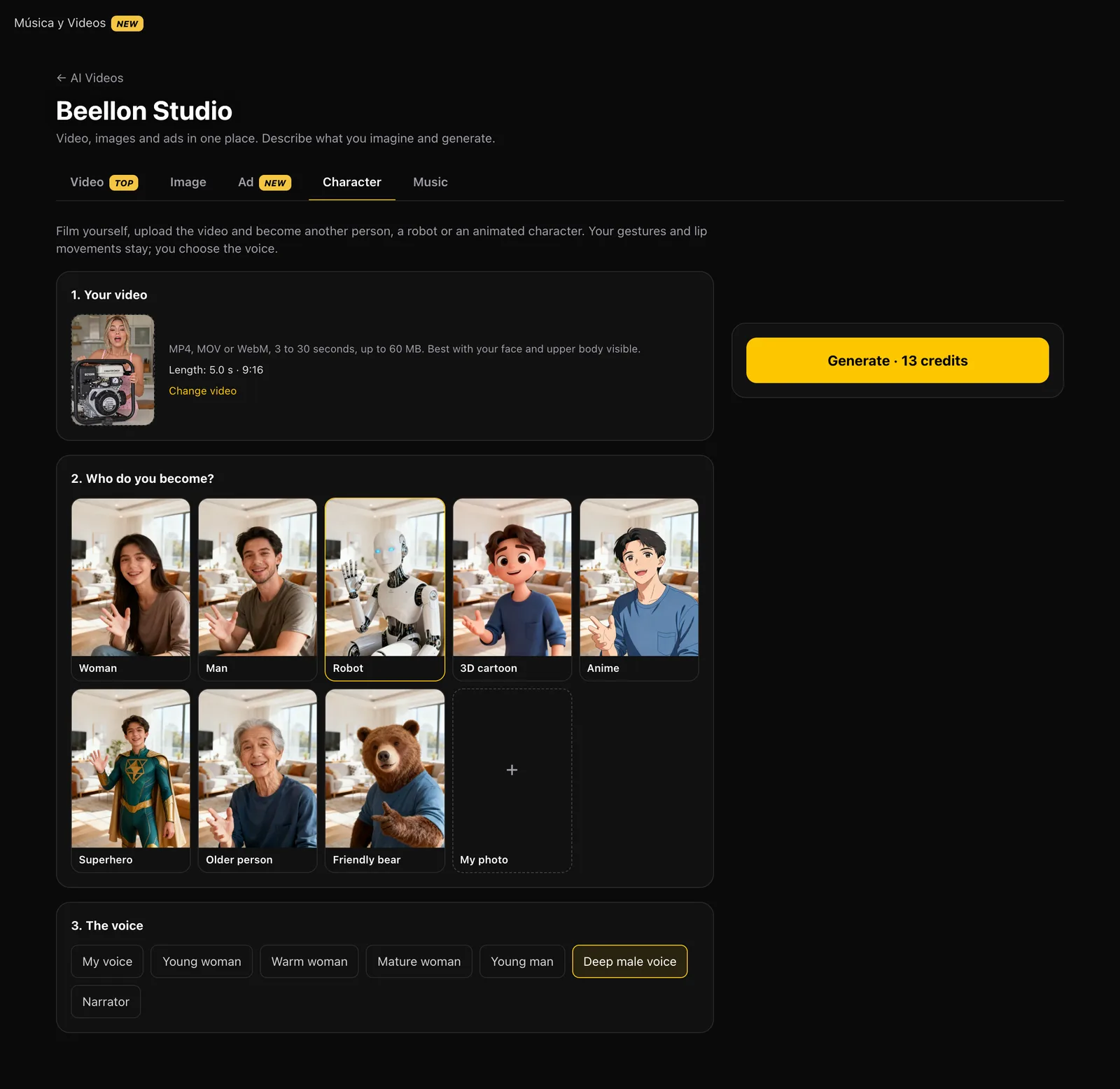
Change character takes a video of you talking or moving and turns you into another character without losing what you did: the same gestures, the same lip movements and the same timing. Choose who you become — a woman, a man, a robot, a 3D cartoon, an anime character, a superhero, an older person, a friendly bear — or upload a photo of the person or character you want to be, as is or turned into an avatar with one of those styles. Then pick the voice: yours or one of the professional female or male voices. You get a video ready for social media, as long as yours. Before delivering it we check it has picture, sound and the right length; if anything fails, your credits come back automatically.
What it looks like
How to use it, step by step
3 to 30 seconds, MP4, MOV or WebM, up to 60 MB. It works best with your face and upper body visible, nothing covering you, and good light.
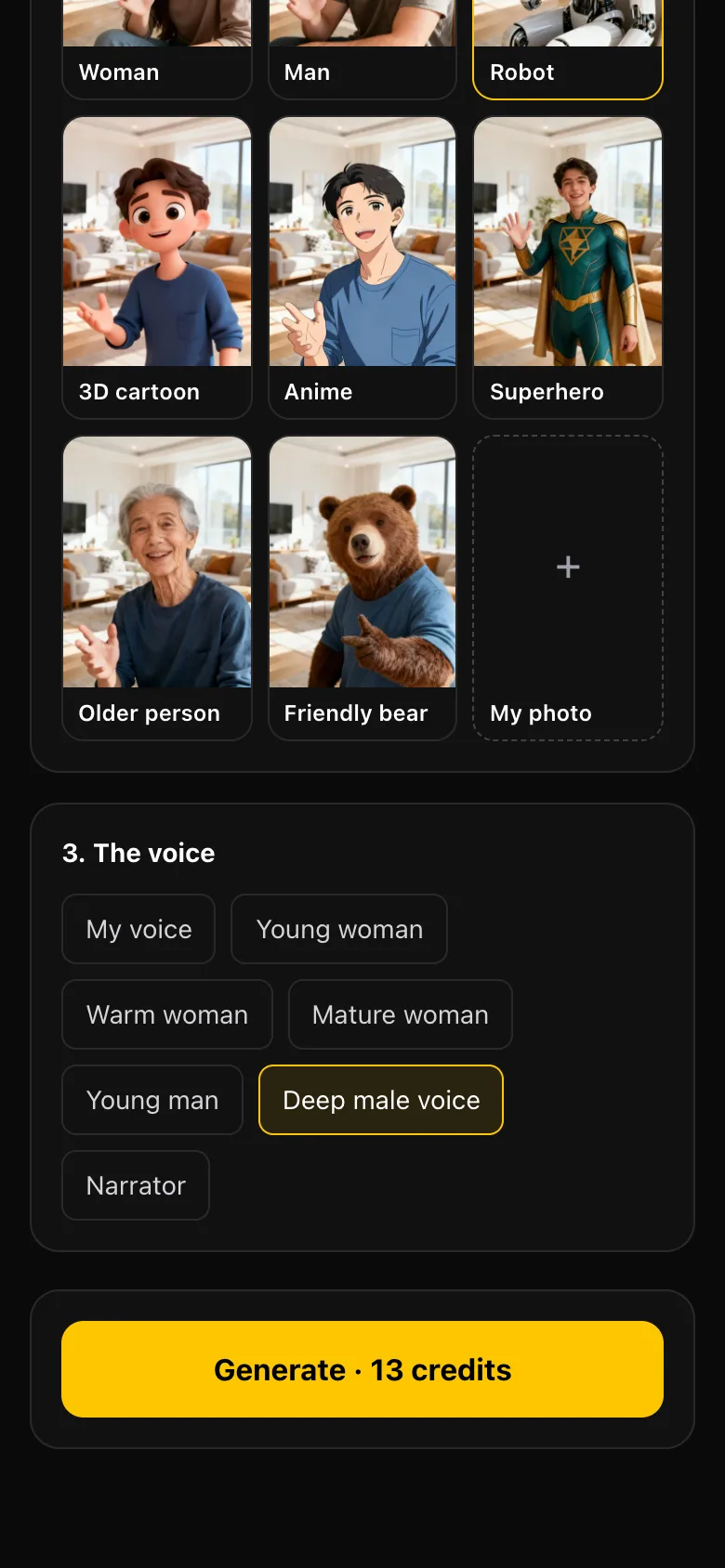
Woman, man, robot, 3D cartoon, anime, superhero, older person or friendly bear. Each one has a sample so you can see the result.
Tap “My photo” and upload the person or character you want to be. Use it as is or turn it into an avatar with one of the styles (for example, your photo as a 3D cartoon).
“My voice” keeps your original voice. Or switch to a professional voice: young woman, warm woman, mature woman, young man, deep male voice or narrator. It says exactly what you said.
The price goes in 5-second blocks and is on the button. It takes a few minutes; stay or come back later: the video stays in your Gallery.
Tips for better results
- Film yourself facing the camera, with even light and nothing in front of your face: gestures transfer better.
- If you are changing the voice, speak clearly with no background music.
- Your character photo works best from the waist up, looking at the camera.
- Your video is prepared automatically: upload it straight from your phone, even at 60 MB.
- The model has a content filter: if it blocks a photo with very revealing clothing, we tell you and refund your credits; try another photo.
- If anything fails, your credits are refunded automatically; tapping twice never charges twice.
Use cases
Content creators
Film once and post as different characters, without showing your face if you prefer.
Brands and businesses
A mascot or your own character talking about your products with your gestures.
Ads and humor
Switch from man to woman, robot or cartoon for viral videos.
Avatars
Turn your photo into an avatar and bring it to life with a video of you.
Related tools
Change character in Beellon Studio: film yourself and become another person, a robot, a 3D cartoon, an anime character, a superhero, an older person or an animal, keeping your gestures and lip movements. Photo to avatar, male to female and female to male voice changer, professional voices, 3 to 30 second videos for Reels, TikTok and Shorts.
Start using Change character
Create your Beellon account, activate your plan and use Change character with AI today.
Create a free account