Beellon Studio video, images and ads
Describe what you imagine and generate. Video, images and ads on one screen, with the price shown before you create.
Paid plansWhat it is and what it is for
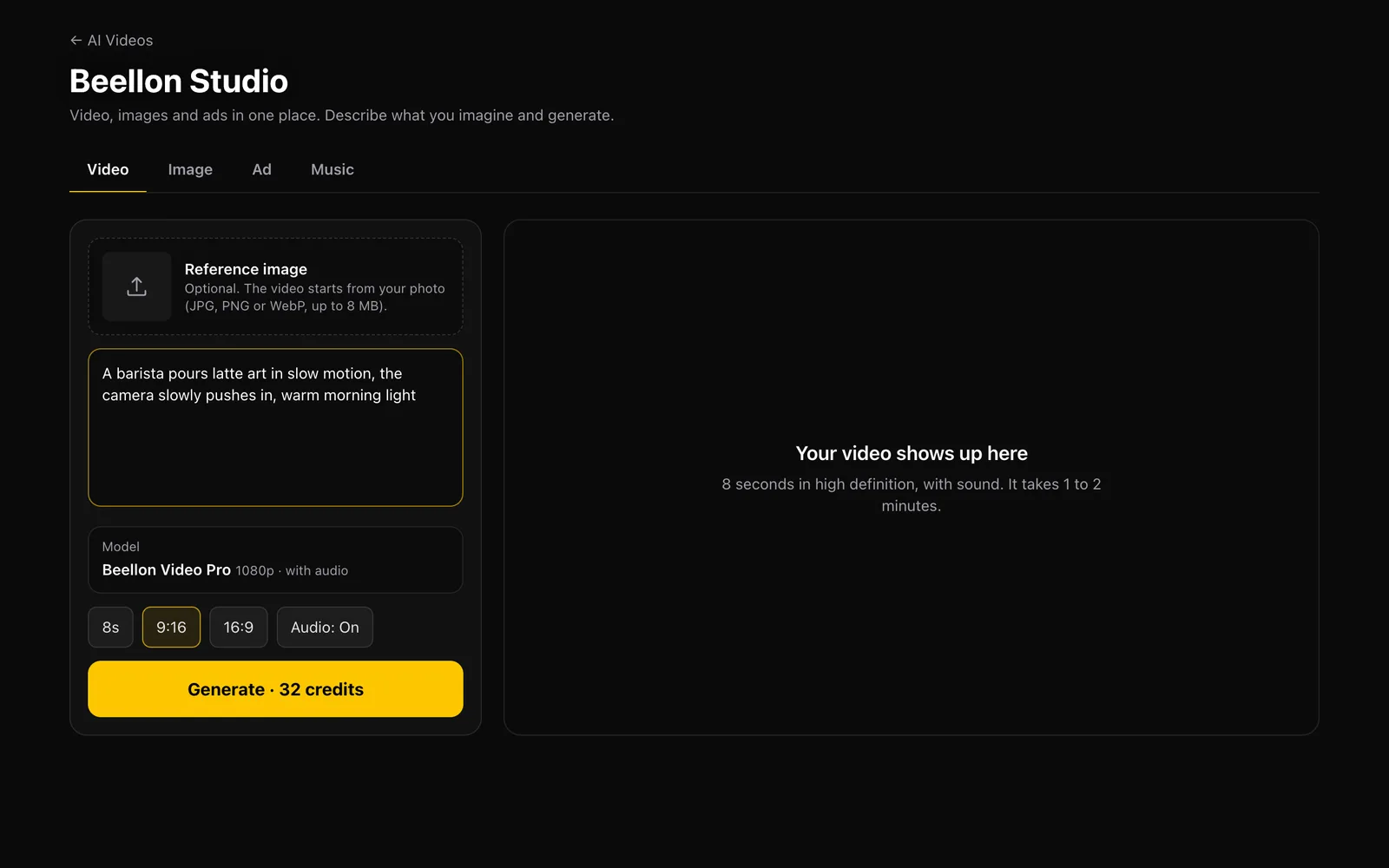
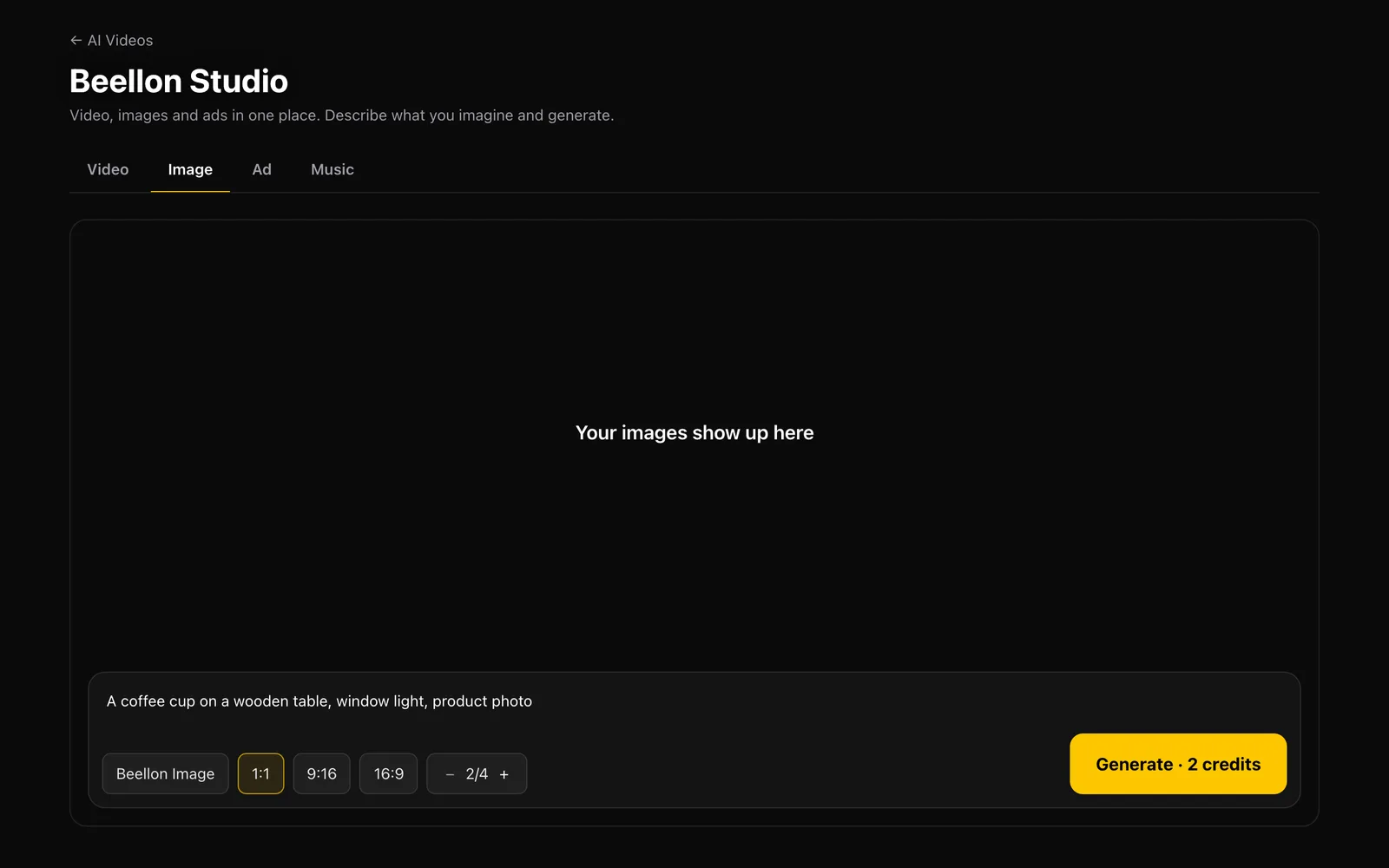
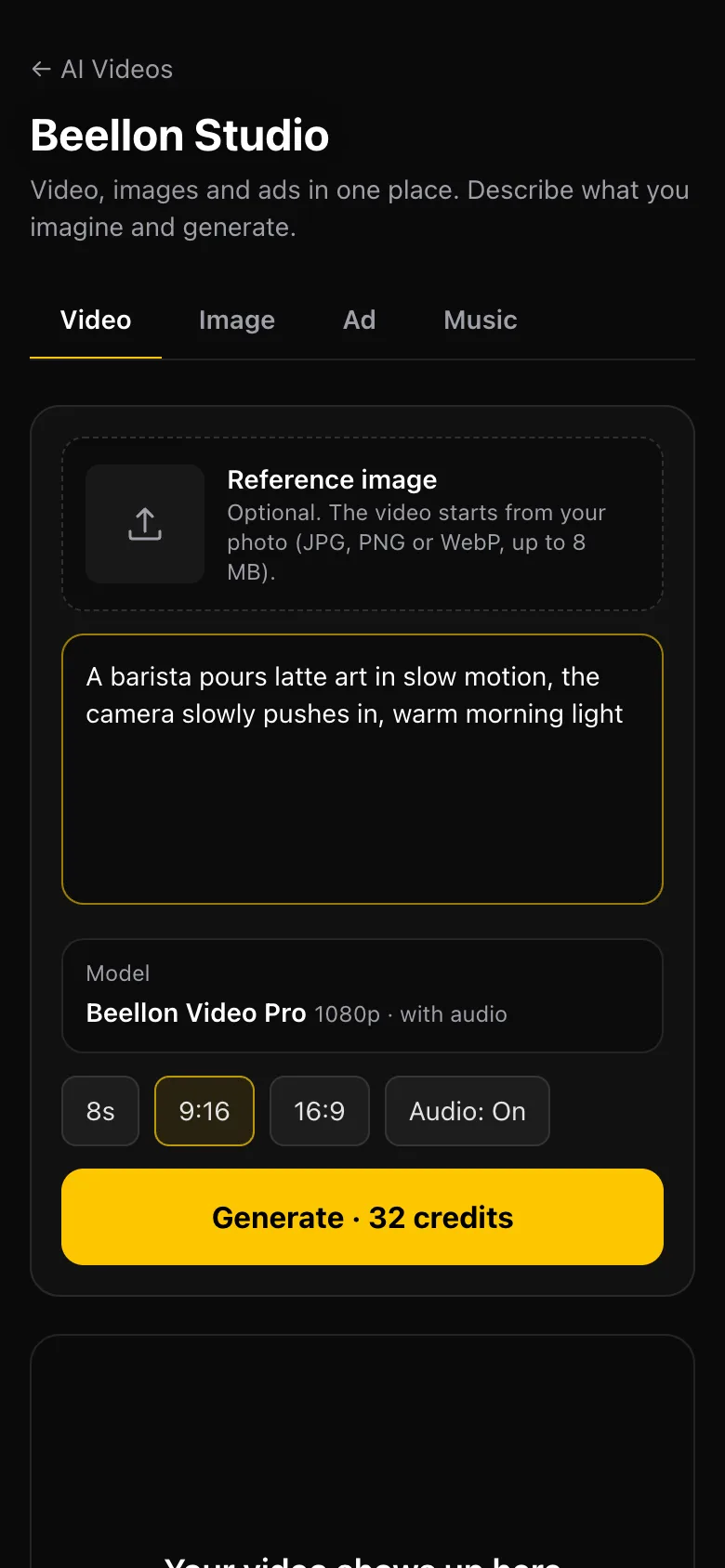
Beellon Studio brings everything you need to create AI content into one place. At the top you pick what to make: Video, Image, Ad or Music. Below, you describe what you imagine, choose the format and, for images, how many you want. The button shows the price before you tap it. Video gives you an 8-second HD scene with sound; you can start from your own photo so your product or your face stays exactly as it is. Image gives you one to four images in the format you choose. Ad gives you a finished commercial for your product with voice-over and music. Before we deliver a video we check its length, its sound and its format; if anything fails, your credits come back automatically.
What it looks like
How to use it, step by step
Video for a moving scene, Image for photos and artwork, Ad to sell a product, or Music for a song.
For video: what happens, how the camera moves, the light and the sound. For images: the subject, the setting, the light and the style. The clearer, the better.
In Video, the scene starts from your photo and keeps your product, logo or face exactly as they are. JPG, PNG or WebP, up to 8 MB.
In Video: Lite (720p, 4, 6 or 8 seconds, with or without sound, ready in under a minute: 10, 14 or 19 credits) or HD (1080p, 8 seconds with sound, 47 credits). In Image: Beellon Image (2 credits) or Beellon Image Pro (7 credits) when you need sharp text and fine detail.
Vertical 9:16 for Reels, TikTok and Shorts; horizontal 16:9 for YouTube and your website; square 1:1 for feed images. In Image you choose one to four.
The price in credits is on the button. Images are ready in seconds; a Lite video in under a minute and an HD one in one to two, and you can stay on the page. The full table is under Credit prices.
Download what you made right there. In Image you see your latest 10 images below the bar and the «See my whole Gallery» button; the Gallery is also in the top menu. Your videos stay in your Video Gallery.
Tips for better results
- Need a transparent background? Write «transparent background» or «no background»: you get a real transparent PNG, at no extra credits.
- For spoken lines in a video, put the exact sentence in quotes and keep it short so it finishes on time.
- Describe the camera: "the camera slowly pushes in", "top-down shot", "handheld camera".
- If you tap Generate twice or lose your connection, the video is not charged twice.
- If a video cannot be finished, your credits are refunded automatically.
- What you type is saved as you go: if the window closes, it is still there when you come back.
Use cases
Social media content
Short scenes with sound and images ready for Reels, TikTok, Shorts and your feed.
Products and stores
Upload your product photo and bring it to life, or create fresh product shots.
Restaurants and food
Dishes, drinks and atmospheres that make people want to order, as video or images.
Brands, agencies and creators
Test ideas fast: several images at once and video scenes for campaigns.
Related tools
Beellon Studio: AI video and image generator from a single prompt bar. Text to video, image to video from a reference photo, 8-second HD videos with sound, image generator with one to four images per run, vertical 9:16, horizontal 16:9 and square 1:1 formats, product ads with voice-over and music, for Instagram Reels, TikTok, YouTube Shorts and YouTube.
Start using Beellon Studio
Create your Beellon account, activate your plan and use Beellon Studio with AI today.
Create a free account